



Keyboard shortcuts for WordPress.
Updated December 17, 2025 (version 1.1.1) | How to install or update safely
A WordPress plugin that lets you effortlessly add keyboard shortcuts.
Here’s how it works
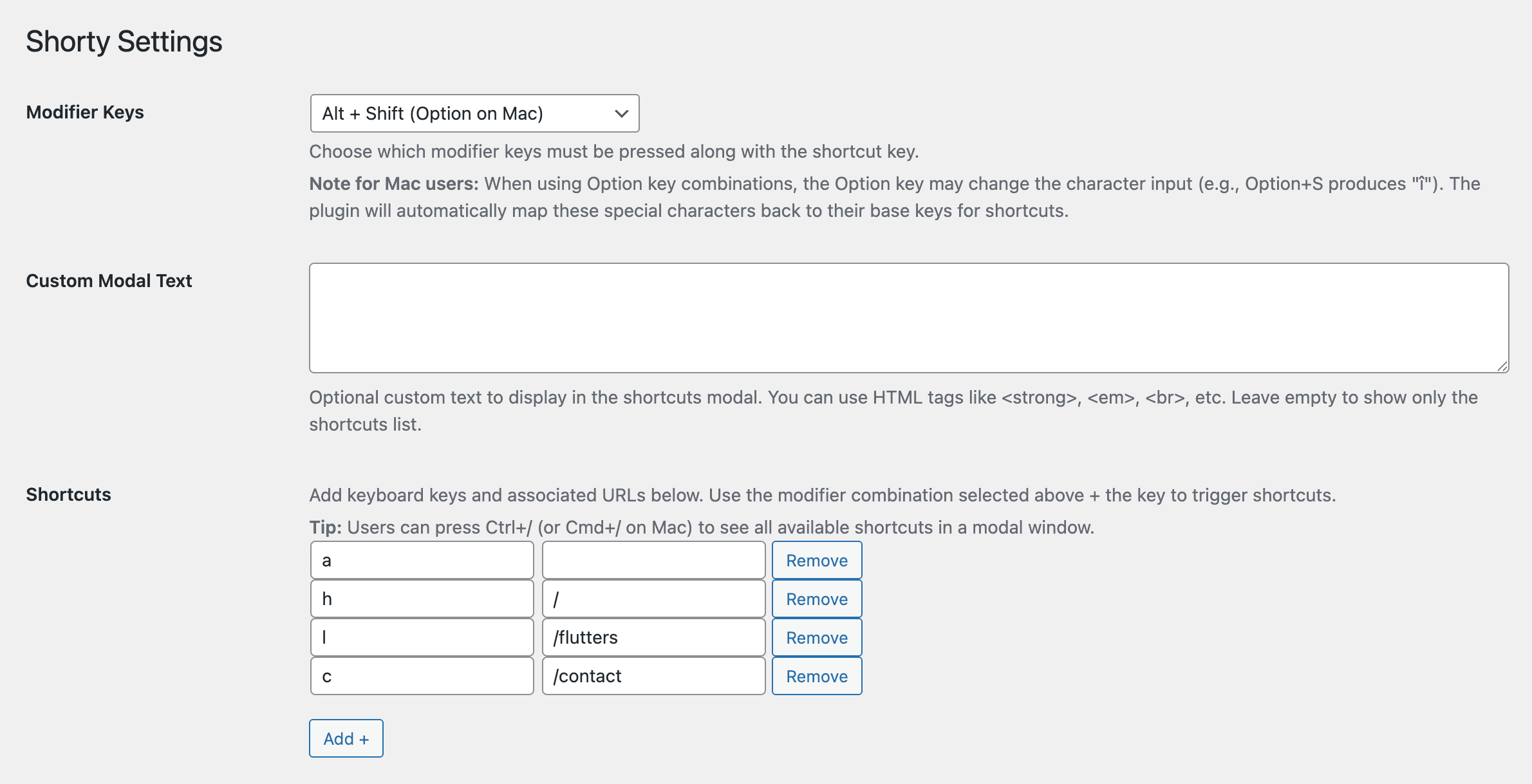
Install and activate this plugin like any other WordPress plugin. Go to Settings -> Shorty. Choose the beginning combination of keys that will need to be pressed. Then pick a key and url redirect combination. Optionally, add additional text to the modal. Users can press CTRL + / or on Mac, CMD + / to view the shortcuts modal on the front end.
Contribute on GitHub.
Changelog
December 17, 2025 – v1.1.1
- Compatible with WordPress 6.9
August 25, 2025 – v1.1
- Added ability to customize combination of keys more
- Added modal that shows the shortcuts available
- Added translations
- Code optimization
December 29, 2024 – v1.0
- Initial release